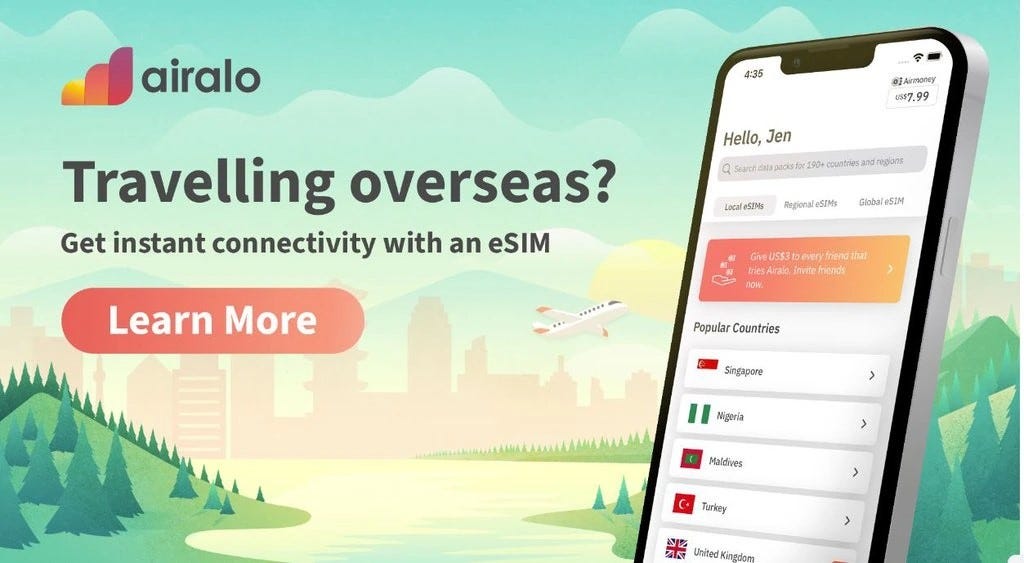
How Airalo Works: 3 Simple Steps
1. Choose Your Destination & Package Search for South Africa (or any of the 200+ countries) and select a data package that fits your trip duration and data needs.
2. Install Your eSIM After purchase, install the eSIM directly through the Airalo app or by scanning a QR code sent to your email. Note: You'll need a stable Wi-Fi connection (like at the airport or hotel) for this step.
3. Activate & Connect Once you arrive in South Africa (or your destination), simply turn on your eSIM line in your phone settings. You’ll connect to the local network instantly—no physical SIM card required.